> ## Documentation Index
> Fetch the complete documentation index at: https://mage-staging.mintlify.site/llms.txt
> Use this file to discover all available pages before exploring further.
# Features
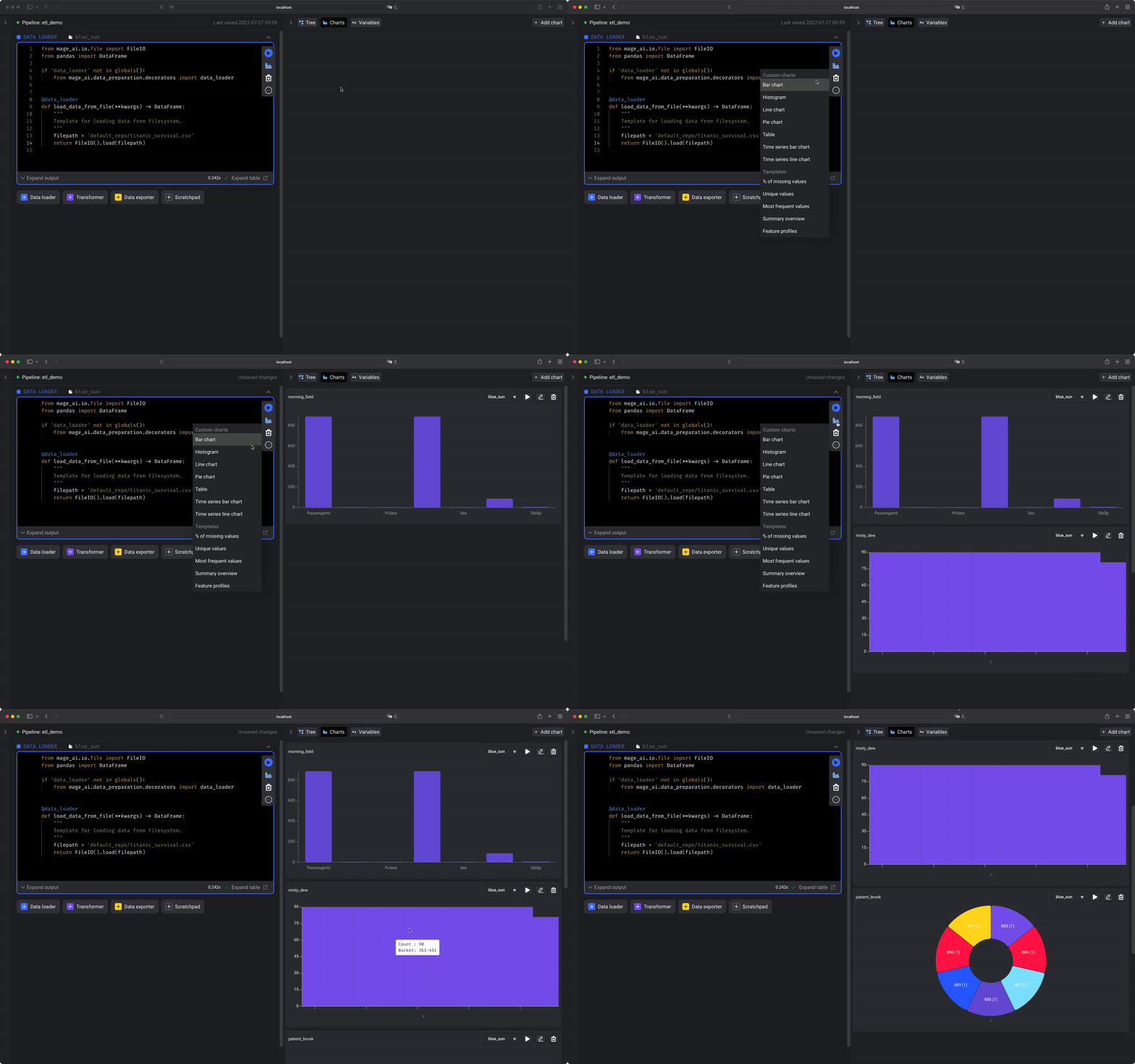
 ## Data pipeline management
👉 See more
[details here](/design/data-pipeline-management).
## Data pipeline management
👉 See more
[details here](/design/data-pipeline-management).
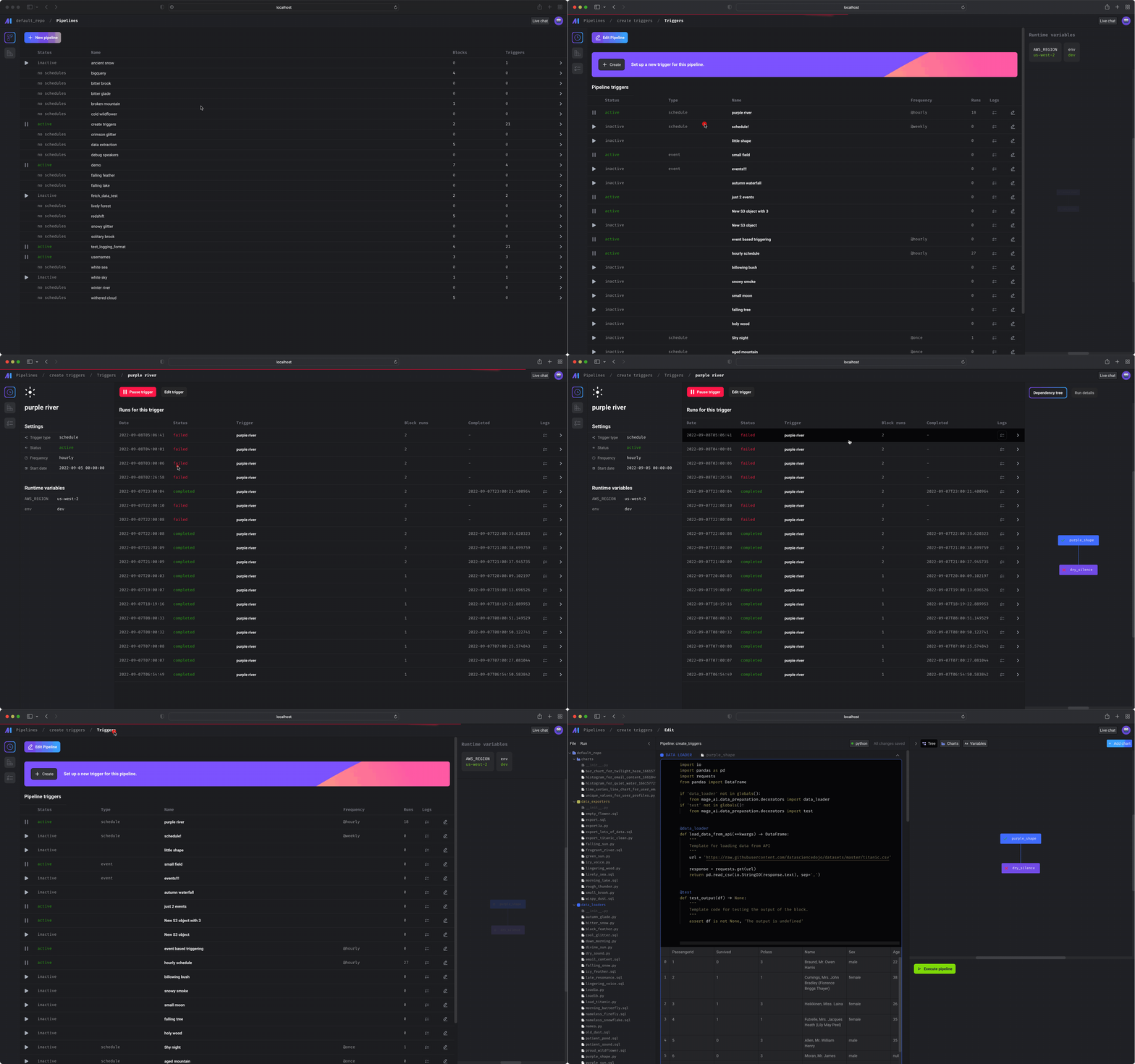 ## Notebook for building data pipelines
### 1. Data centric editor
An interactive coding experience designed for preparing data to train ML models.
Visualize the impact of your code every time you load, clean, and transform
data.
## Notebook for building data pipelines
### 1. Data centric editor
An interactive coding experience designed for preparing data to train ML models.
Visualize the impact of your code every time you load, clean, and transform
data.
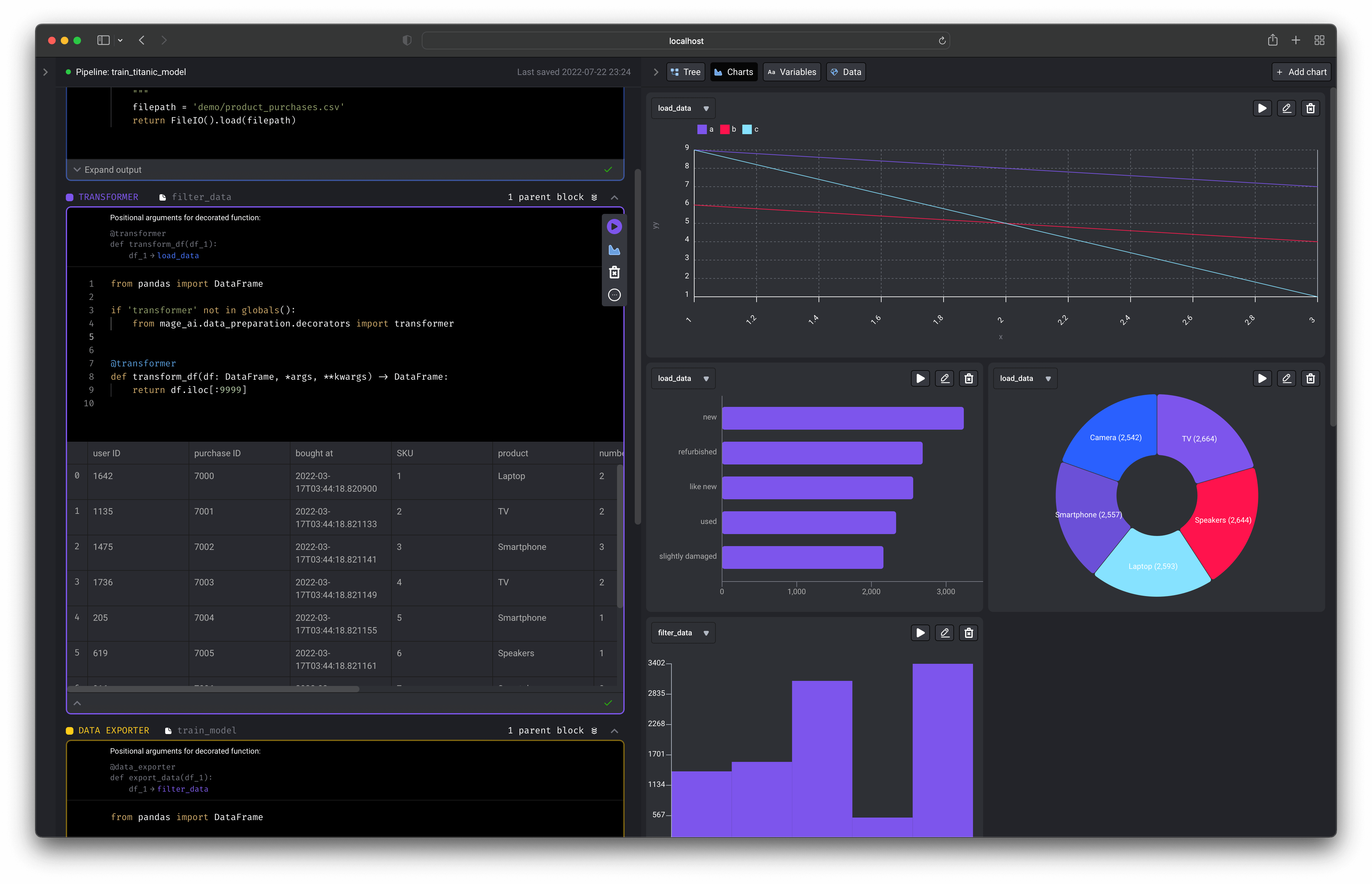 ### 2. Production ready code
No more writing throw away code or trying to turn notebooks into scripts.
Each block (aka cell) in this editor is a modular file that can be tested,
reused, and chained together to create an executable data pipeline locally or in
any environment.
Read more about [blocks](/design/blocks) and how they work.
### 2. Production ready code
No more writing throw away code or trying to turn notebooks into scripts.
Each block (aka cell) in this editor is a modular file that can be tested,
reused, and chained together to create an executable data pipeline locally or in
any environment.
Read more about [blocks](/design/blocks) and how they work.
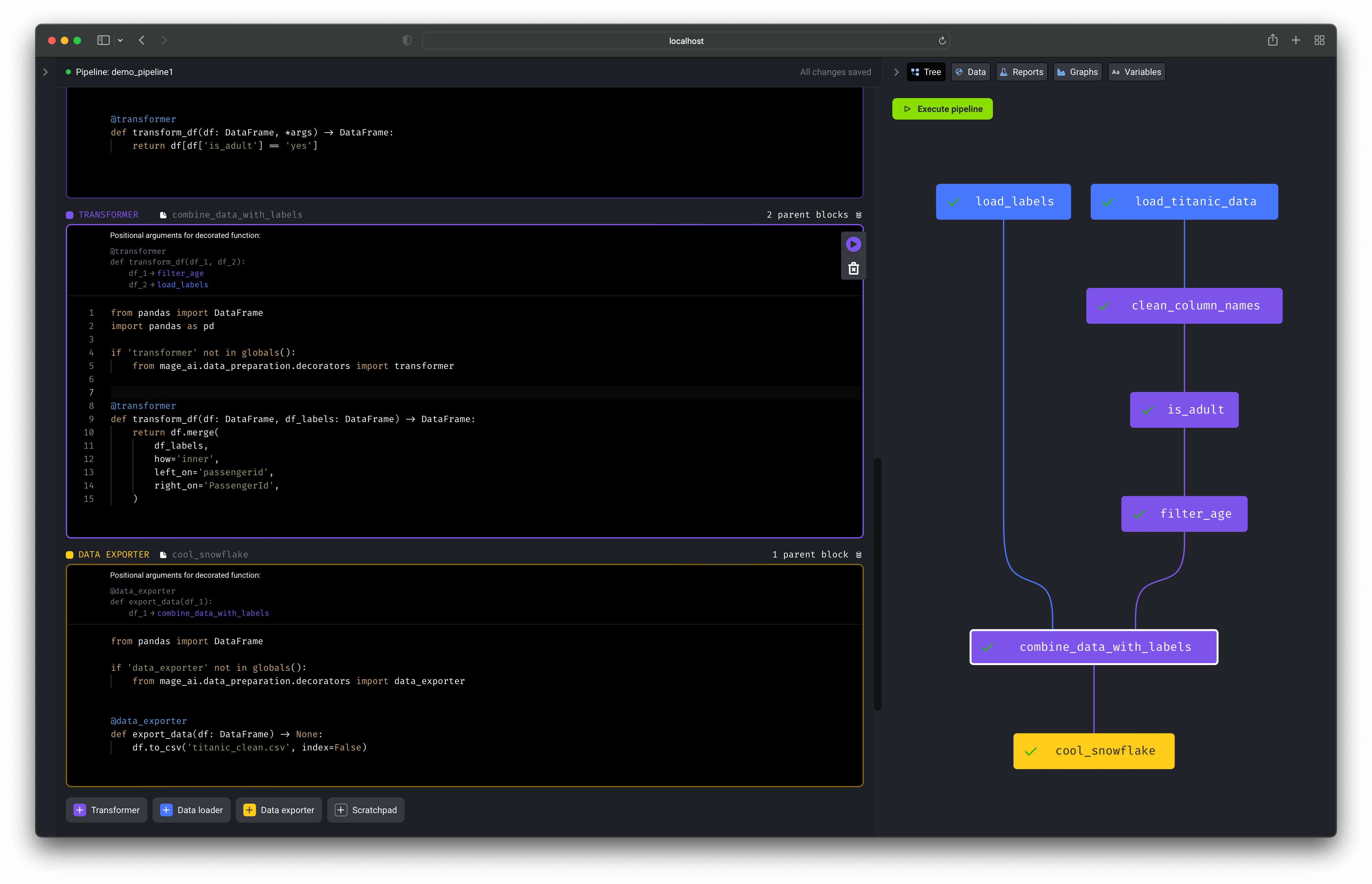 Run your data pipeline end-to-end using the command line function:
`$ mage run [project] [pipeline]`
You can run your pipeline in production environments with the orchestration
tools
* [Airflow](/guides/integrate-mage-airflow)
* [Prefect](/integrations/prefect)
### 3. Extensible
Easily add new functionality directly in the source code or through plug-ins
(coming soon).
Adding new API endpoints ([Tornado](https://www.tornadoweb.org/en/stable/)),
transformations (Python, PySpark, SQL), and charts (using
[React](https://reactjs.org/)) is easy to do (tutorial coming soon).
Run your data pipeline end-to-end using the command line function:
`$ mage run [project] [pipeline]`
You can run your pipeline in production environments with the orchestration
tools
* [Airflow](/guides/integrate-mage-airflow)
* [Prefect](/integrations/prefect)
### 3. Extensible
Easily add new functionality directly in the source code or through plug-ins
(coming soon).
Adding new API endpoints ([Tornado](https://www.tornadoweb.org/en/stable/)),
transformations (Python, PySpark, SQL), and charts (using
[React](https://reactjs.org/)) is easy to do (tutorial coming soon).