> ## Documentation Index
> Fetch the complete documentation index at: https://mage-staging.mintlify.site/llms.txt
> Use this file to discover all available pages before exploring further.
# Use an IDE
> We love our UI, but here's how to develop in your favorite IDE, too.
## Create a new pipeline
Each pipeline is represented by a YAML file in a folder named `pipelines/` under the Mage
project directory.
For example, if your project is named `demo_project` and your pipeline is named `etl_demo` then
you’ll have a folder structure that looks like this:
```
demo_project/
| pipelines/
| | etl_demo/
| | | __init__.py
| | | metadata.yaml
```
Create a new folder in the `demo_project/pipelines/` directory. Name this new folder after the name
of your pipeline.
Add 2 files in this new folder:
1. `__init__.py`
2. `metadata.yaml`
In the `metadata.yaml` file, add the following content:
```yaml theme={null}
blocks: []
name: etl_demo
type: python
uuid: etl_demo
```
Change `etl_demo` to whatever name you’re using for your new pipeline.
## Sample pipeline metadata content
This sample pipeline `metadata.yaml` will produce the following block dependencies:
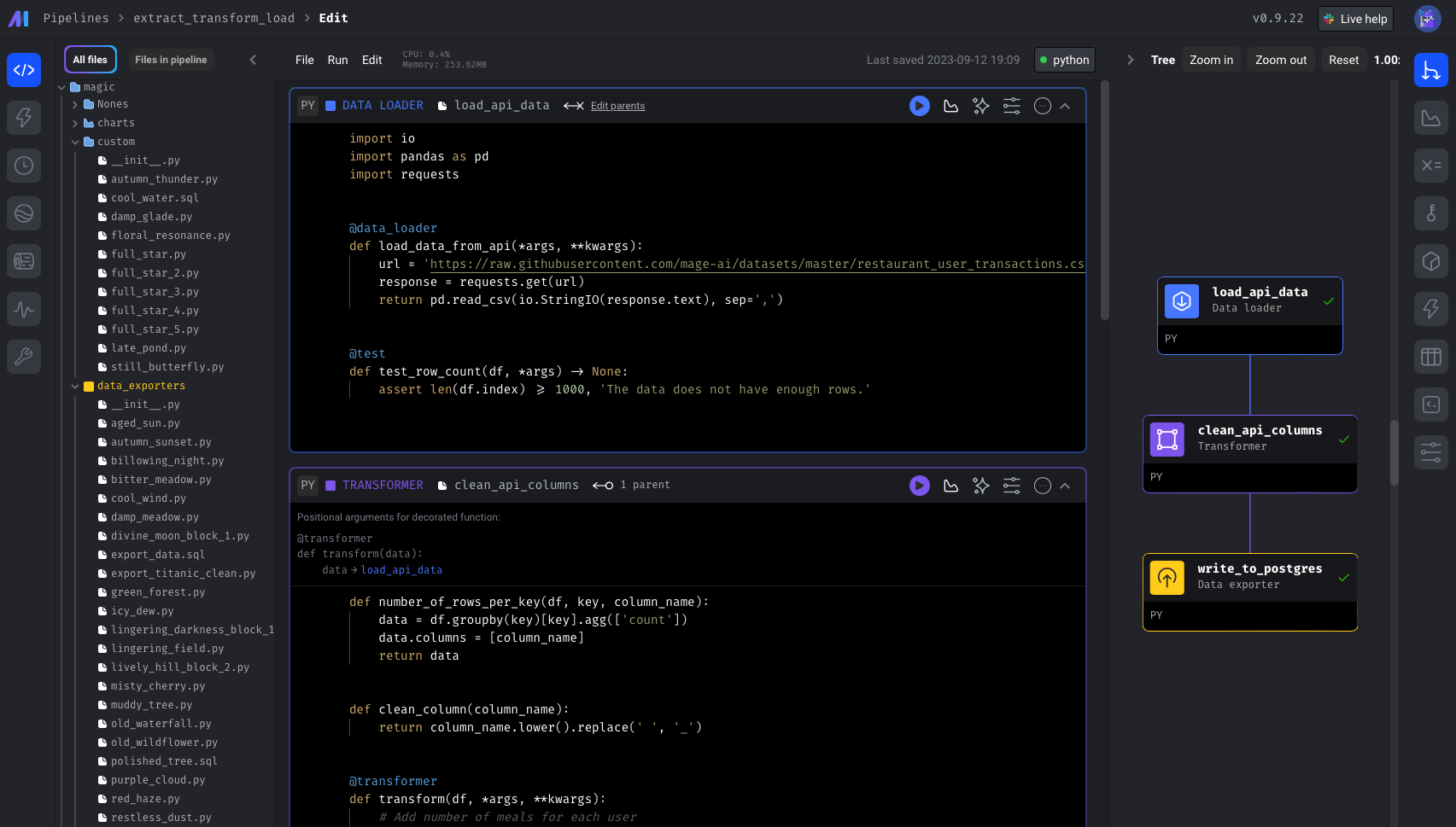 ```yaml theme={null}
blocks:
- downstream_blocks:
- select_columns
executor_type: local_python
language: python
name: load_data_from_file
type: data_loader
upstream_blocks: []
uuid: load_data_from_file
- downstream_blocks:
- export_to_file
executor_type: local_python
language: python
name: select_columns
type: transformer
upstream_blocks:
- load_data_from_file
uuid: select_columns
- downstream_blocks: []
executor_type: local_python
language: python
name: export_to_file
type: data_exporter
upstream_blocks:
- select_columns
uuid: export_to_file
name: etl_demo
type: python
uuid: etl_demo
```
## `metadata.yaml` sections
### Pipeline attributes
An array of blocks that are in the pipeline.
Unique name of the pipeline.
The type of pipeline. Currently available options are:
`databricks`, `integration`, `pyspark`, `python` (most common), `streaming`.
Unique identifier of the pipeline. This UUID must be unique across all pipelines.
### Block attributes
An array of block UUIDs that depend on this current block.
These downstream blocks will have access to this current block’s data output.
The method for running this block of code. Currently available options are:
`ecs`, `gcp_cloud_run`, `azure_container_instance`, `k8s`, `local_python` (most common), `pyspark`.
The code language the block is using. Currently available options are:
`python` (most common), `r`, `sql`, `yaml`.
Unique name of the block.
The type of block. Currently available options are:
`chart`, `custom` (most common), `data_exporter`, `data_loader`, `dbt`, `scratchpad`, `sensor`, `transformer`.
The type of block will determine which folder it needs to be in. For example, if the block `type`
is `data_loader`, then the file must be in the `[project_name]/data_loaders/` folder. It can be
nested in any number of subfolders.
An array of block UUIDs that this current block depends on.
These upstream blocks will pass its data output to this current block.
Unique identifier of the block. This UUID must be unique within the current pipeline. The UUID
corresponds to the name of the file for this block.
For example, if the UUID is `load_data` and the `language` is `python`, then the file name
will be `load_data.py`.
```yaml theme={null}
blocks:
- downstream_blocks:
- select_columns
executor_type: local_python
language: python
name: load_data_from_file
type: data_loader
upstream_blocks: []
uuid: load_data_from_file
- downstream_blocks:
- export_to_file
executor_type: local_python
language: python
name: select_columns
type: transformer
upstream_blocks:
- load_data_from_file
uuid: select_columns
- downstream_blocks: []
executor_type: local_python
language: python
name: export_to_file
type: data_exporter
upstream_blocks:
- select_columns
uuid: export_to_file
name: etl_demo
type: python
uuid: etl_demo
```
## `metadata.yaml` sections
### Pipeline attributes
An array of blocks that are in the pipeline.
Unique name of the pipeline.
The type of pipeline. Currently available options are:
`databricks`, `integration`, `pyspark`, `python` (most common), `streaming`.
Unique identifier of the pipeline. This UUID must be unique across all pipelines.
### Block attributes
An array of block UUIDs that depend on this current block.
These downstream blocks will have access to this current block’s data output.
The method for running this block of code. Currently available options are:
`ecs`, `gcp_cloud_run`, `azure_container_instance`, `k8s`, `local_python` (most common), `pyspark`.
The code language the block is using. Currently available options are:
`python` (most common), `r`, `sql`, `yaml`.
Unique name of the block.
The type of block. Currently available options are:
`chart`, `custom` (most common), `data_exporter`, `data_loader`, `dbt`, `scratchpad`, `sensor`, `transformer`.
The type of block will determine which folder it needs to be in. For example, if the block `type`
is `data_loader`, then the file must be in the `[project_name]/data_loaders/` folder. It can be
nested in any number of subfolders.
An array of block UUIDs that this current block depends on.
These upstream blocks will pass its data output to this current block.
Unique identifier of the block. This UUID must be unique within the current pipeline. The UUID
corresponds to the name of the file for this block.
For example, if the UUID is `load_data` and the `language` is `python`, then the file name
will be `load_data.py`.