


Require user authentication
If you’re using Mage version 0.8.4 or greater, than you can optionally turn on user authentication. Set the following environment variable name and value:Set access token expiration time
You can set theMAGE_ACCESS_TOKEN_EXPIRY_TIME environment variable to customize the expiration time
of a Mage access token. The value should be the length of time in seconds.
Defaults to 2592000 which is 30 days.
Running Mage in Docker
If you’re running Mage using Docker, you can run Mage and set the environment variable in thedocker run command. Follow these instructions
to learn how.
Set the environment variable using -e REQUIRE_USER_AUTHENTICATION=1.
For example:
Running Mage without Docker
If you installed Mage usingpip, conda, poetry, etc. and are running it using the mage start
command, then you need to set the environment variable on your workstation.
macOS
Run the following command to set environment variables:Windows
Read Microsoft’s instructions on how to do this.Default owner user
When Mage starts, if there is no existing owner user, then a new user will be created with owner permissions (e.g. all permissions). The owner user can create, edit, and delete other users. Here are the default credentials for the owner user to sign in with:Sign in page
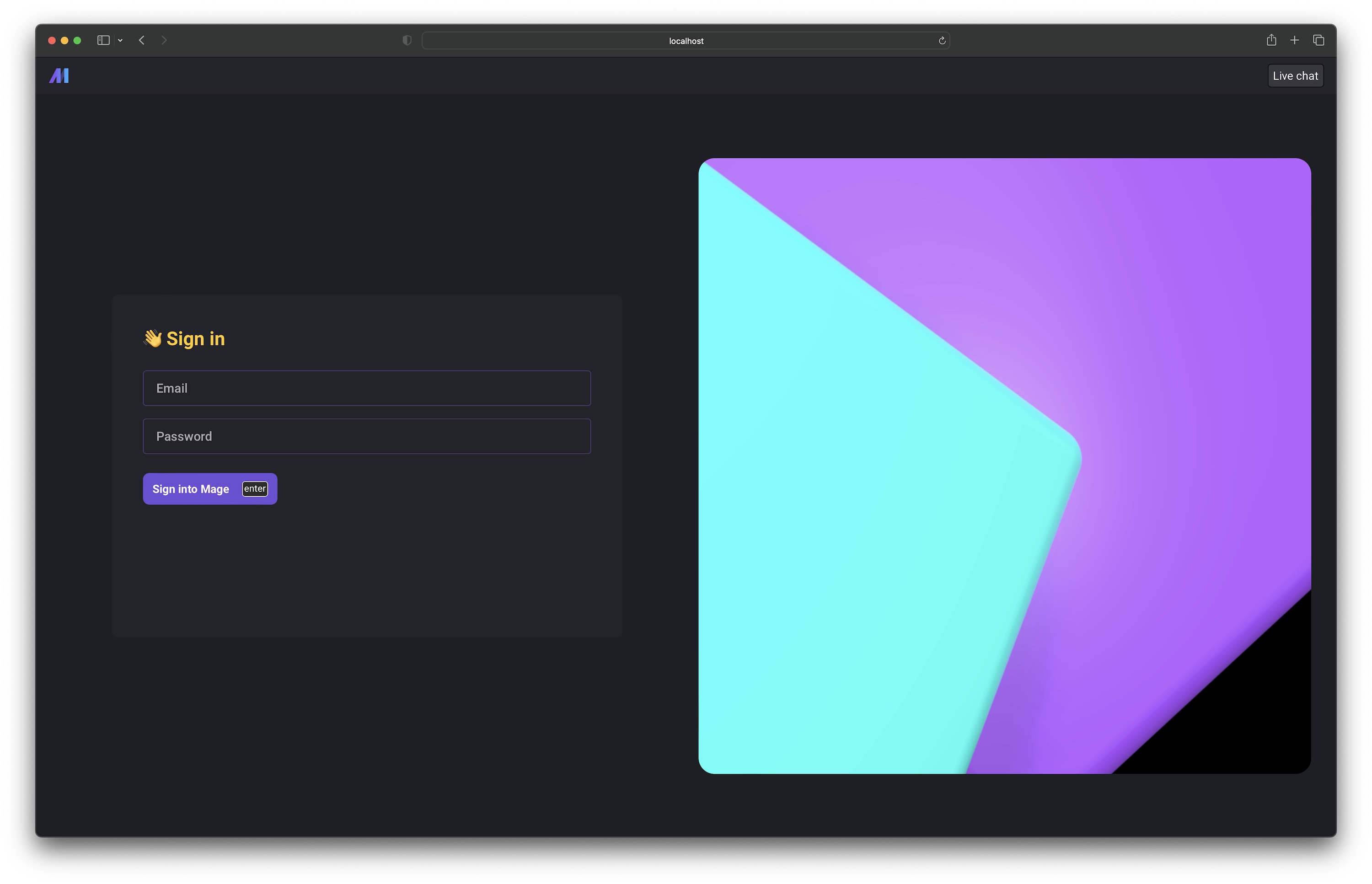
Before using Mage, users will have to sign in at/sign-in. If you go to a page that requires
authentication and you’re not signed in, you’ll be redirected to the sign in page.
User management page
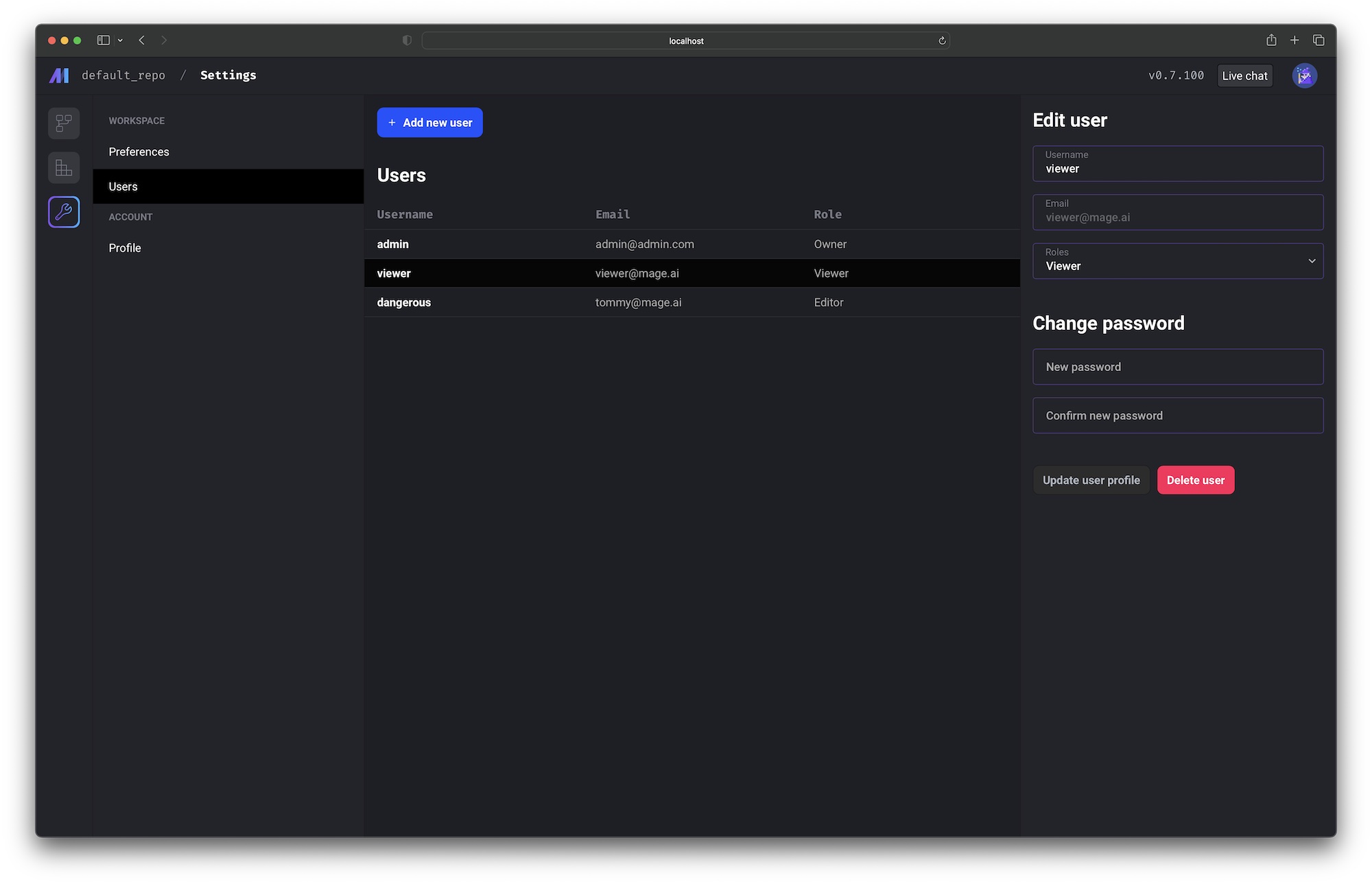
If you’re signed in as the owner user, you’ll have access to the user management page at/settings/workspace/users.
On this page, you can:
- Add new users
- Edit existing users
- Reset user passwords
- Delete users
Roles and permissions
LDAP
If you want to enable LDAP authentication mode, Set the following environment variable name and value:
In this case, you will also need to configure the following variables:
Make sure to adjust the values of the variables to match your LDAP configuration.
When LDAP authentication is enabled, users will need to provide their LDAP credentials to log in to the system. Once authenticated, Mage will use the authorization filter to determine the user’s permissions based on their LDAP group membership.
Authenticated requests
If you require user authentication by turning it on via the environment variable mentioned above, then each API request the front-end client makes to the backend server will include an API key and an OAuth2 token. The API key and OAuth2 token is used to authenticate the incoming request. If the requester doesn’t have the proper permissions, the backend server will respond with a4XX error code.